YOUR IDEAS. YOUR LAUNCHPAD.
Small steps.
Big possibilities.
Build things you’re excited about.
Discover how they work. Make them your own.
The class hub for Intro to Vibe Coding
Git Flight Deck
Follow your code from laptop to GitHub.
01 / THE LESSON LIBRARY
Your next “I built that.”
Revisit a project, find your files, or pick up where you left off.
Git Save Points
See what staging, committing, and pushing actually do. Then save a real checkpoint of your Project Studio.
Project Studio
Build a home for your ideas and projects. Explore a shared backend, linked data, and a dashboard you can make your own.
Browser Game Lab
Bring a game to the web. Translate its rules and controls, test in a browser, and discover what sharing a game really means.
This is our growing class library. New lessons and tools will land here as we build them together.
02 / LEARN BY EXPLORING
Make the invisible visible.
Press a button. Make a prediction. See what changes.
 Open Flight Deck
 Your code has a journey.
Now you can watch it.
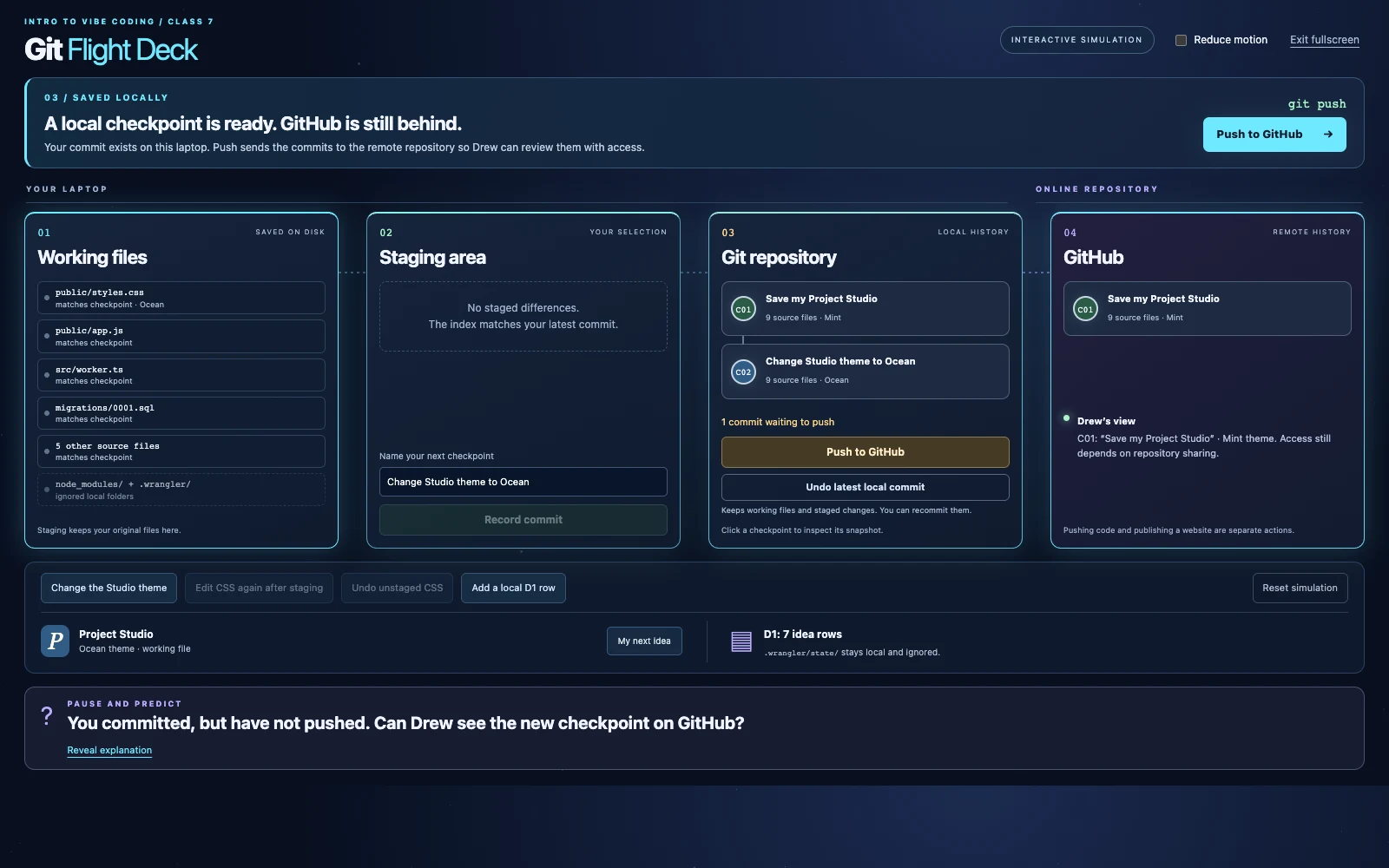
Stage a change, name a checkpoint, and push it to GitHub. Change the theme, inspect snapshots, or undo a local commit.
- No account or installation needed
- Experiment without touching your files
- Built for exploring and classroom demos
03 / READY FOR YOUR WORKSTATION
Grab your supplies.
Starter projects, class exercises, notes, and copyable prompts.
No files match. Try another search or choose “All files.”
ZIP files: download → extract → open the extracted project folder in your editor.
YOU DON’T HAVE TO KNOW EVERYTHING TO START.
Be curious. Try things. Keep building.
Your AI can help with the code. Your ideas and decisions make it yours.